PodcastCrew
August 2, 2025 · 7 min read
A Simple Equipment List Guide to Get Your First Podcast or Vidcast Recorded
Starting your very first podcast or vidcast can feel overwhelming, but with the right gear and clear steps, you'll be on air in no time.
Starting your very first podcast or vidcast can feel overwhelming, but with the right gear and clear steps, you'll be on air in no time. This podcast equipment guide maps out essential equipment for audio-only and video podcasts, explains key upgrades for growing shows, covers studio setup best practices, and offers budget-friendly purchasing tips.
What Essential Equipment Do You Need to Start Your First Podcast?
A basic podcast setup includes a microphone, headphones, recording software, and an audio interface, each working together to capture, convert, and monitor audio for clear, consistent sound quality.
Microphone → captures voice signals. Audio Interface → converts analog to digital. Headphones → monitor live audio. Recording Software → saves digital files.
Which Microphone Types Are Best for Beginner Podcasters?
USB microphones convert voice to digital audio internally, making setup plug-and-play, while XLR microphones require an external interface but often deliver richer detail and lower noise. Popular beginner options include the Blue Yeti, Audio-Technica ATR2100x, and Rode NT-USB Mini.
Why Are Headphones Important for Podcast Monitoring?
Closed-back headphones isolate sound, preventing audio bleed into the mic while letting hosts detect plosives, sibilance, and background noise in real time. Models like the Audio-Technica ATH-M50x deliver reliable feedback during recording and mixing.
How Can You Upgrade Your Setup for Video Podcasting (Vidcasting)?
Upgrading to vidcasting adds a camera, lighting, and video software to your audio rig, creating engaging visual content alongside crisp sound. Software like Riverside.fm and OBS Studio record synchronized video and audio locally. Looking for a turnkey video podcast solution? Check out our Video-First Podcasting services.
What Intermediate & Advanced Podcast Equipment Elevates Your Show?
As your audience and episode complexity grow, upgrading to professional-grade gear boosts production quality and workflow efficiency. Advanced equipment supports multi-host interviews, complex mixing, and consistent branding. Not sure what you need? Our Podcast Strategy service can help you plan the perfect setup.
How Do You Set Up Your Recording Space for the Best Audio and Video Quality?
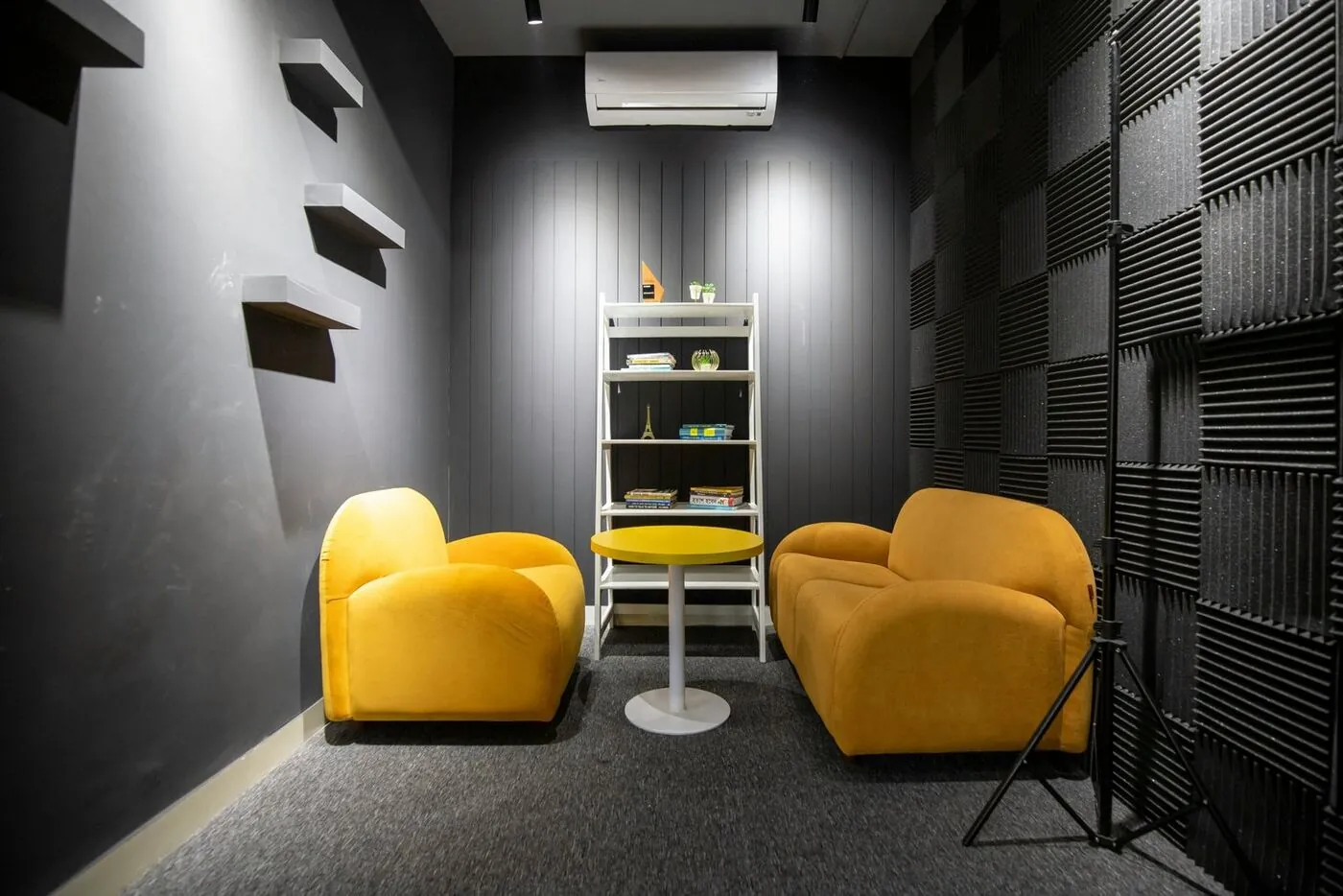
Optimizing your room layout and acoustics ensures recordings are free from echo, harsh reflections, and visual distractions. Strategic placement of treatment and equipment promotes a smooth workflow and reliable results.
Foam panels, bass traps, and diffusers absorb and scatter sound waves to minimize reverb and standing waves. Soft furnishings like rugs, curtains, and bookshelves also serve as low-cost noise buffers, turning any room into a controlled recording space. Or skip the hassle entirely and book a session at our professionally treated PodcastCrew studio.
Thinking about video for your business?
Tell us what you're working on — leadership and authority videos, podcasting, or full production — and we'll get back to you with a straight answer.