
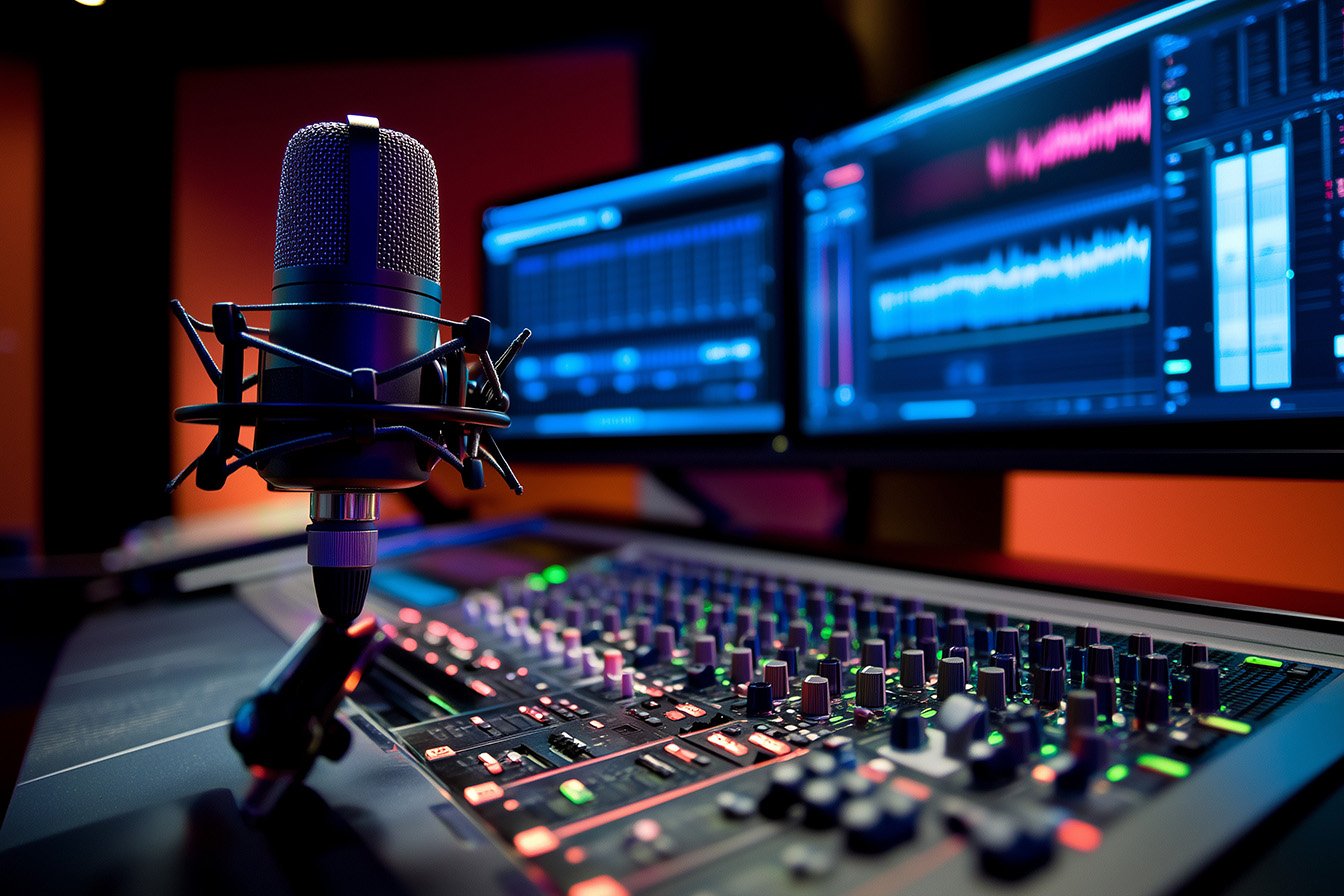
Podcasting has become one of the most popular and effective ways to share stories, build brands, and connect with audiences globally. Whether you’re an aspiring podcaster just starting out or an established professional fine-tuning your setup, having the right podcasting equipment can significantly elevate the quality of your show.
From microphones to mixers, this guide will walk you through everything you need to create a podcast you can be proud of. Whether you’re recording solo episodes, interviews, or creating a podcast for your team or brand, we’ve got you covered.
Think about your favorite podcasts. What sets them apart? It’s not just their compelling content or engaging hosts, but also their high-quality audio. Clear, crisp sound keeps listeners engaged, while poor-quality audio can quickly drive them away.
Good podcasting gear ensures:
Now, let’s break down the essentials so you can build your perfect podcasting setup.
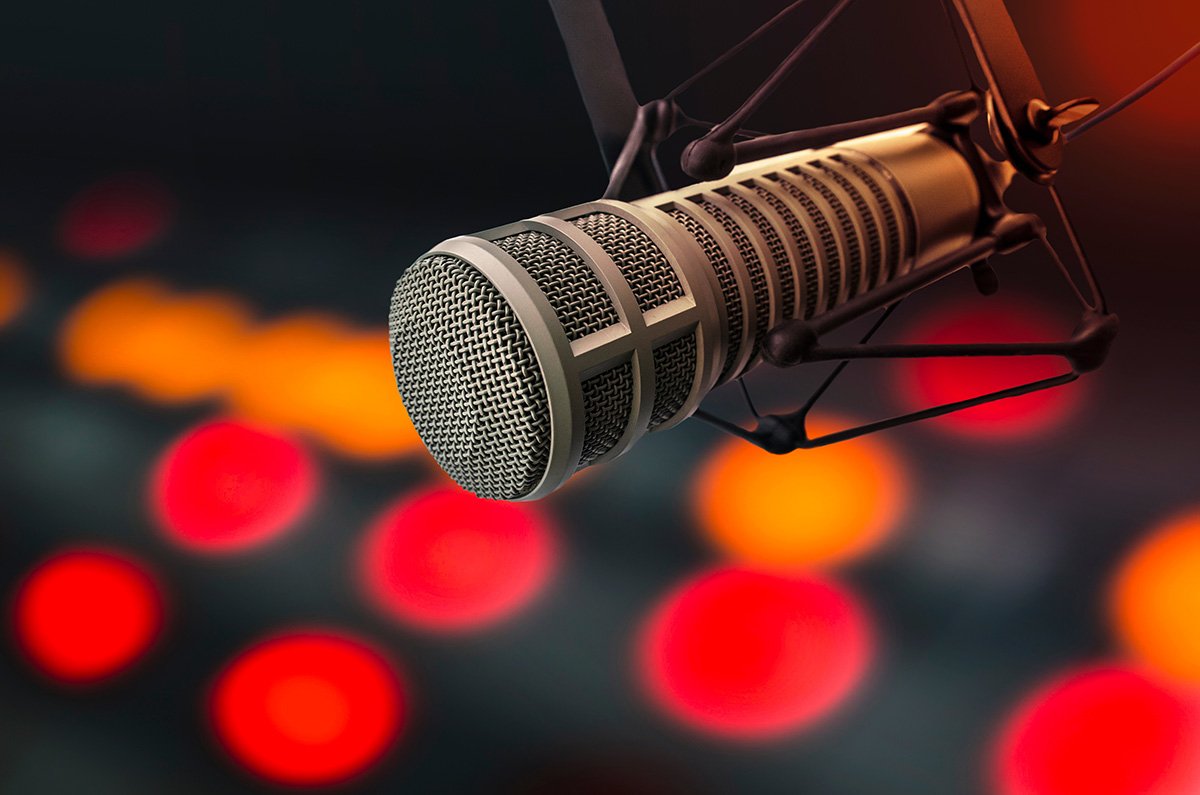
Your podcast’s sound quality begins with the microphone you choose. A high-quality microphone captures your voice (or your guests’ voices) in rich, clear detail, minimizing background noise.
Ideal for noisier environments. These are durable, affordable, and great for beginners. Popular choices include:
Known for their sensitivity and accuracy, these work best in quiet, controlled environments. They’re preferred by professionals who want pristine sound quality. Top picks include:
Perfect for beginners, USB microphones plug directly into your computer, eliminating the need for extra gear. Highly recommended options:
For podcasters aiming for studio-grade audio quality. These require an audio interface, but deliver exceptional results. Recommended models:
Pro Tip: Keep a pop filter or windscreen handy to minimize plosive sounds (like “p” and “b”).
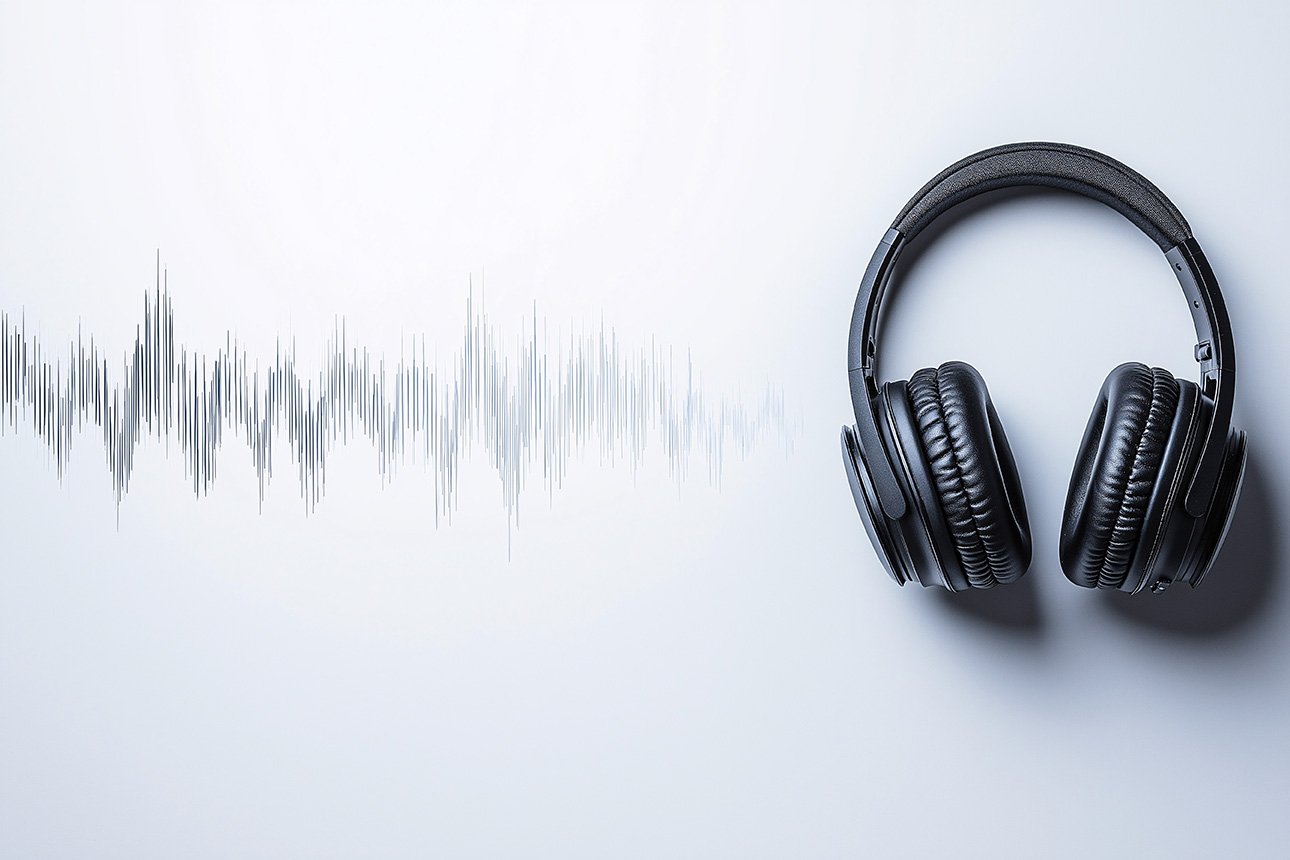
Monitoring your audio in real-time is critical to ensure high-quality recordings. Headphones help you catch audio distortions, background noise, or uneven levels beforethey make it into the final cut.
Known for comfort and detailed sound monitoring.
A favorite among professionals for durability and sound accuracy.
Popular for their studio-quality sound and padded comfort.
Pro Tip: Avoid earbuds or consumer-level headphones. They often exaggerate bass, making it harder to catch audio imperfections.
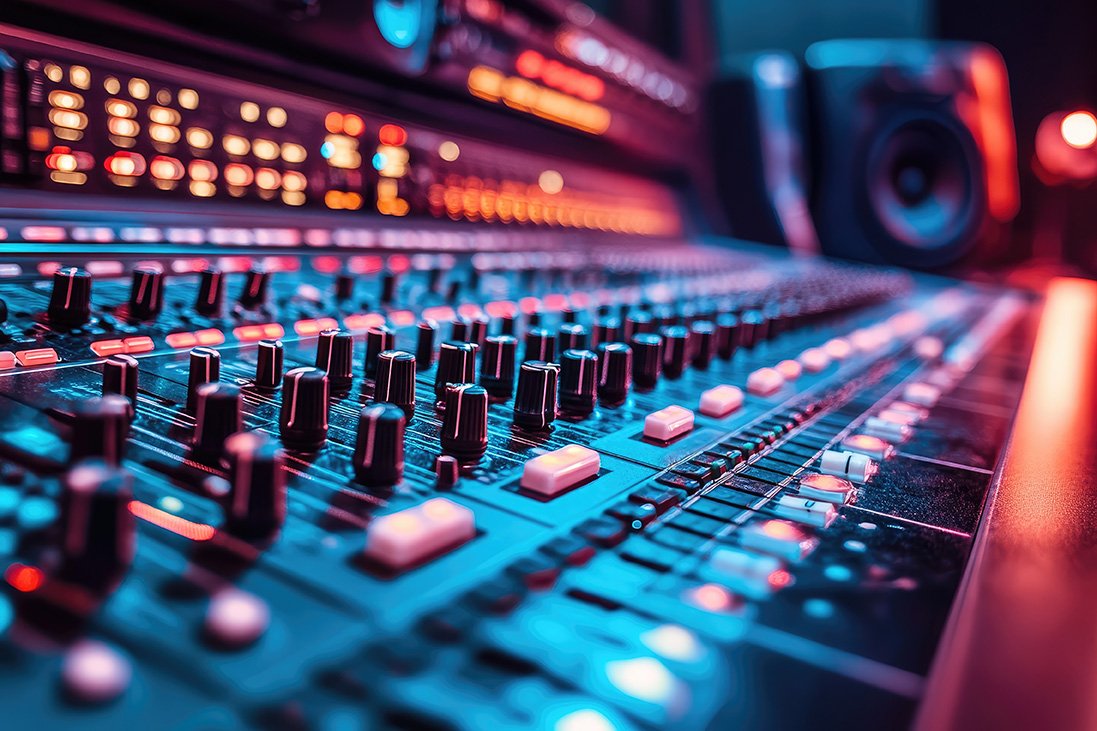
While USB microphones bypass the need for audio interfaces, an XLR microphone setuprequires one. Audio interfaces and mixers allow you to connect multiple mics, control audio levels, and enhance sound quality.
Perfect for beginner and intermediate podcasters. Simple, reliable, and high-quality.
A premium option that delivers industry-leading audio quality.
Designed specifically for podcasters, it offers intuitive controls and multi-channel recording.
Affordable option for beginners who need basic mixing features.
Pro Tip: Choose an audio interface if you want simplicity. Opt for a mixer if you need greater control or plan on adding sound effects/music during live recording.
Enhance your audio setup with small accessories like pop filters and shock mounts for cleaner recordings.
Essential tools for podcasters include:
These affordable accessories can instantly elevate the overall quality of your podcast.
Your Digital Audio Workstation (DAW)is the software you’ll use to record and edit your podcast.
Pro Tip: Most beginners find Audacity sufficient, but you can upgrade as your podcasting skills grow.
While microphones, headphones, and software are crucial, there are other essentials to consider:
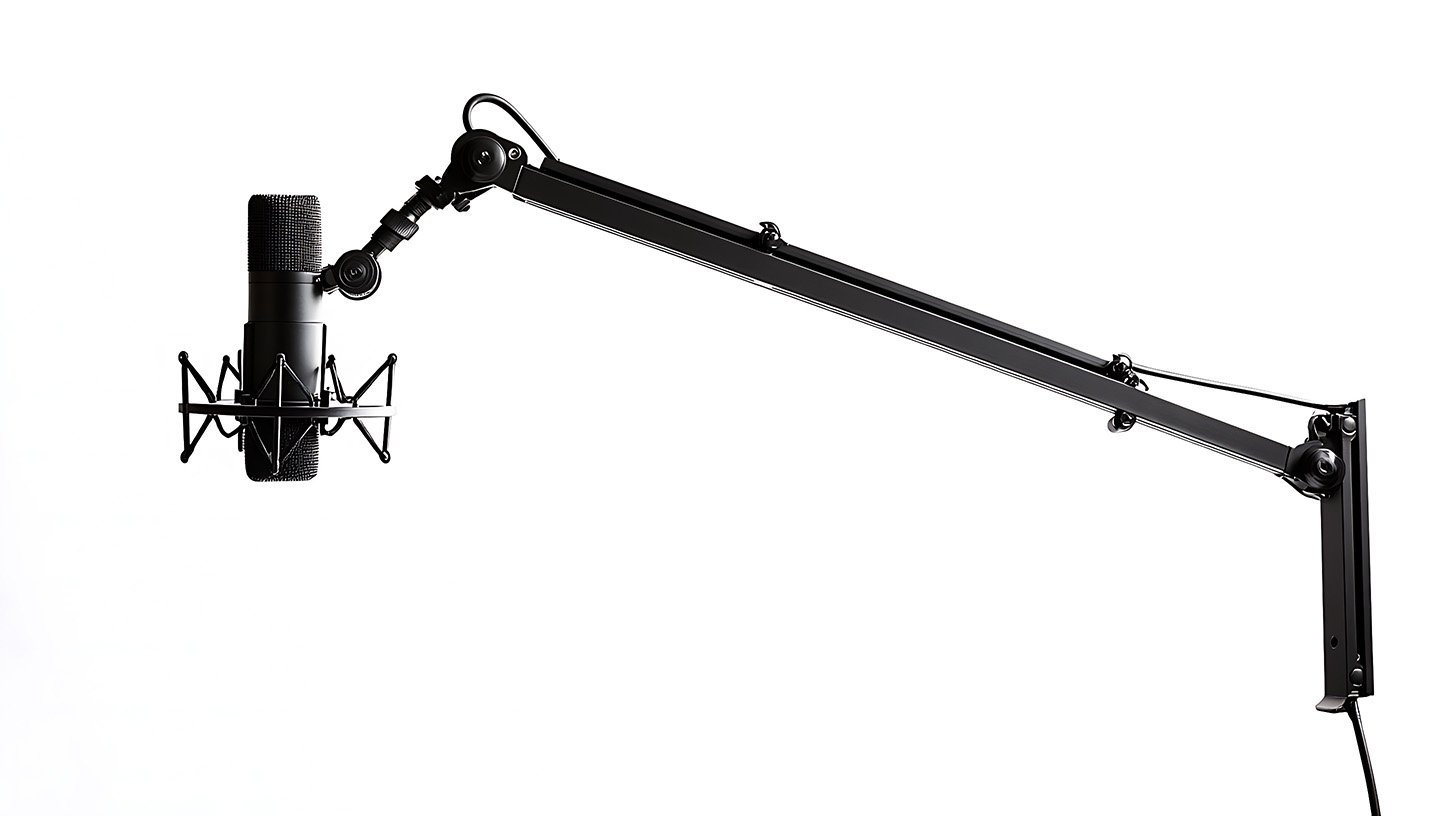
Keep your microphone steady and at the perfect height. Examples:
Ensure you have the right cables for your equipment:
For on-the-go recordings or remote interviews:
Portable, lightweight, and capable of recording multiple tracks.
Improve your recording environment by reducing echo and background noise:
Easy to install, affordable, and effective.
Help minimize unwanted sound reflections.
Many podcasters are branching into live video recordings for added engagement. Here’s what you’ll need:
Ring lights or softboxes enhance video quality during live streams.
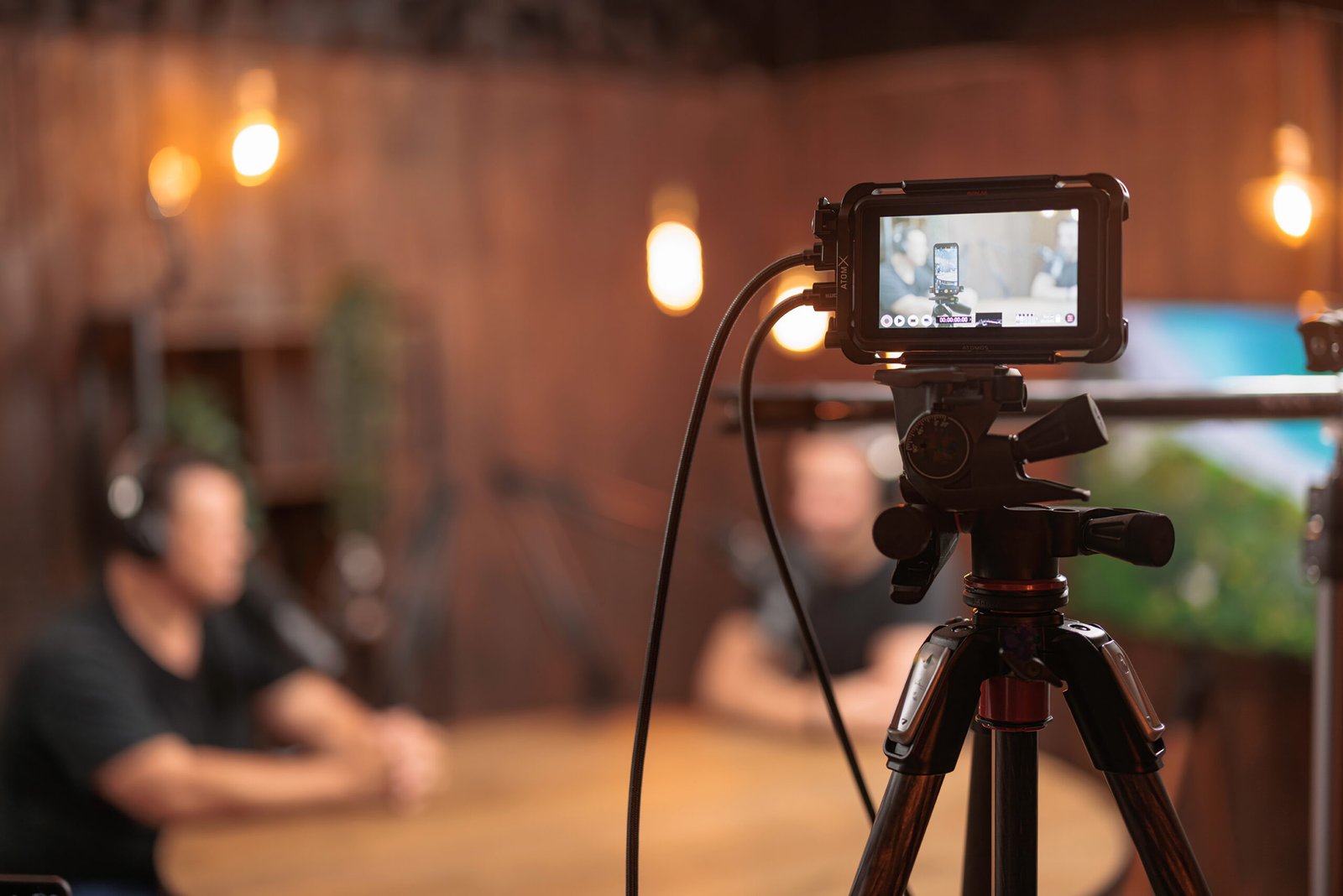
While webcams like Logitech C920are great, high-quality DSLRs (like Sony Alpha a6400) can take your livestreams to the next level.
Pro Tip: Ensure your core audio remains top-notch before adding visuals into the mix.
If you’re overwhelmed by the choices, there are all-in-one podcast starter kits available:
These bundles make it easy to get everything you need in one go.
We know every podcaster starts with a different budget, so here’s how to allocate:
Creating a professional-sounding podcast doesn’t have to be overwhelming. With the right gear, you’ll have everything you need to share your voice, grow your audience, and stand out in the podcasting world.
Whether you’re recording your first episode or refining your process as a seasoned podcaster, your equipment makes all the difference.
Start small, grow smart, and keep sharing your story.
Are you ready to start your podcasting journey? Book your sessionat PodcastCrew’s Podcast Studio and elevate your podcasting experience today!
Need help with editing and post-production? Explore our Podcast Production Servicesfor professional-quality results!